JSON Fields New!
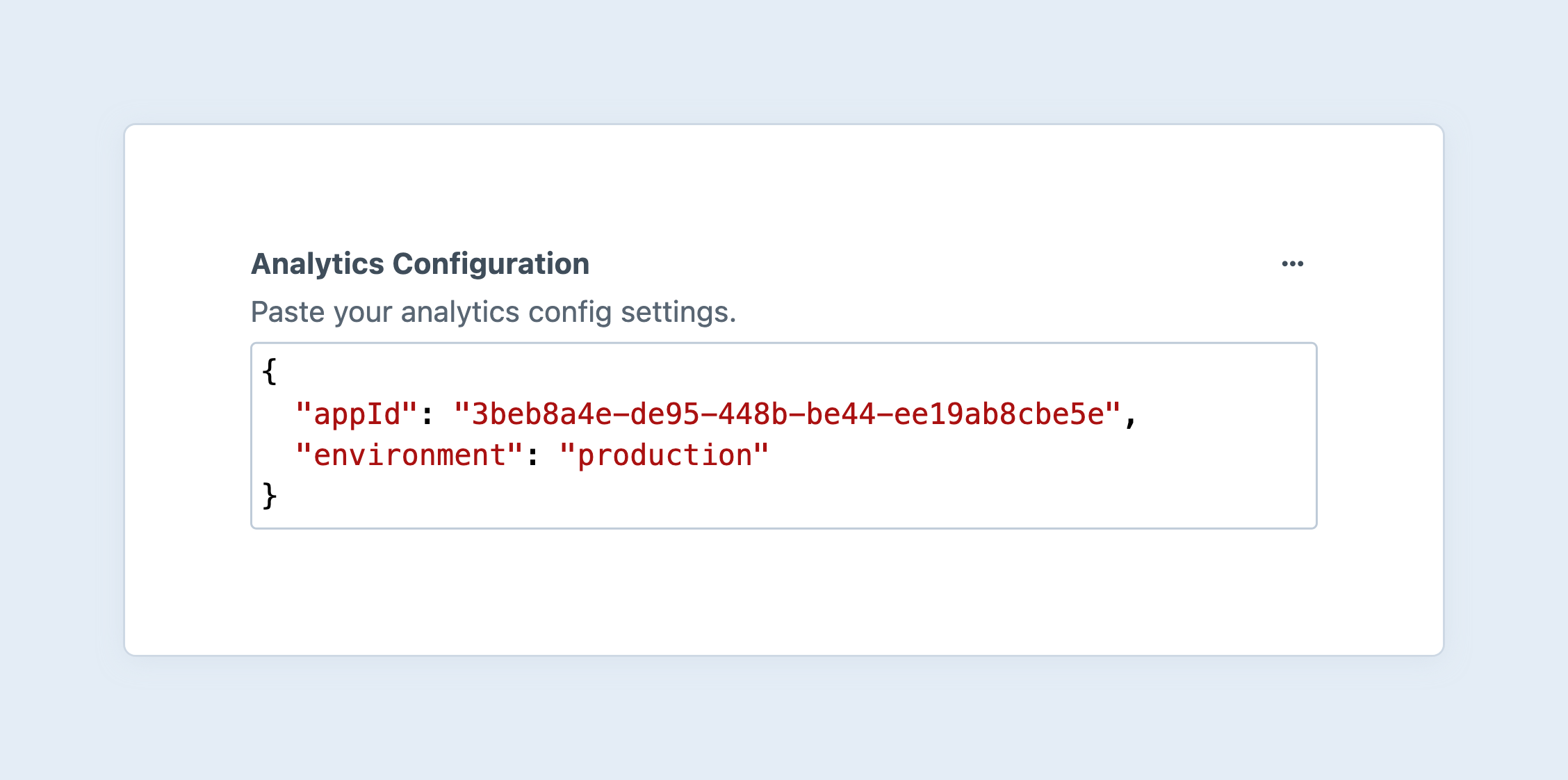
Validate and store arbitrary JSON data in a simple CodeMirror (opens new window) editor. The data is automatically deserialized for you and can be used in templates as whatever value type was stored.
#Settings
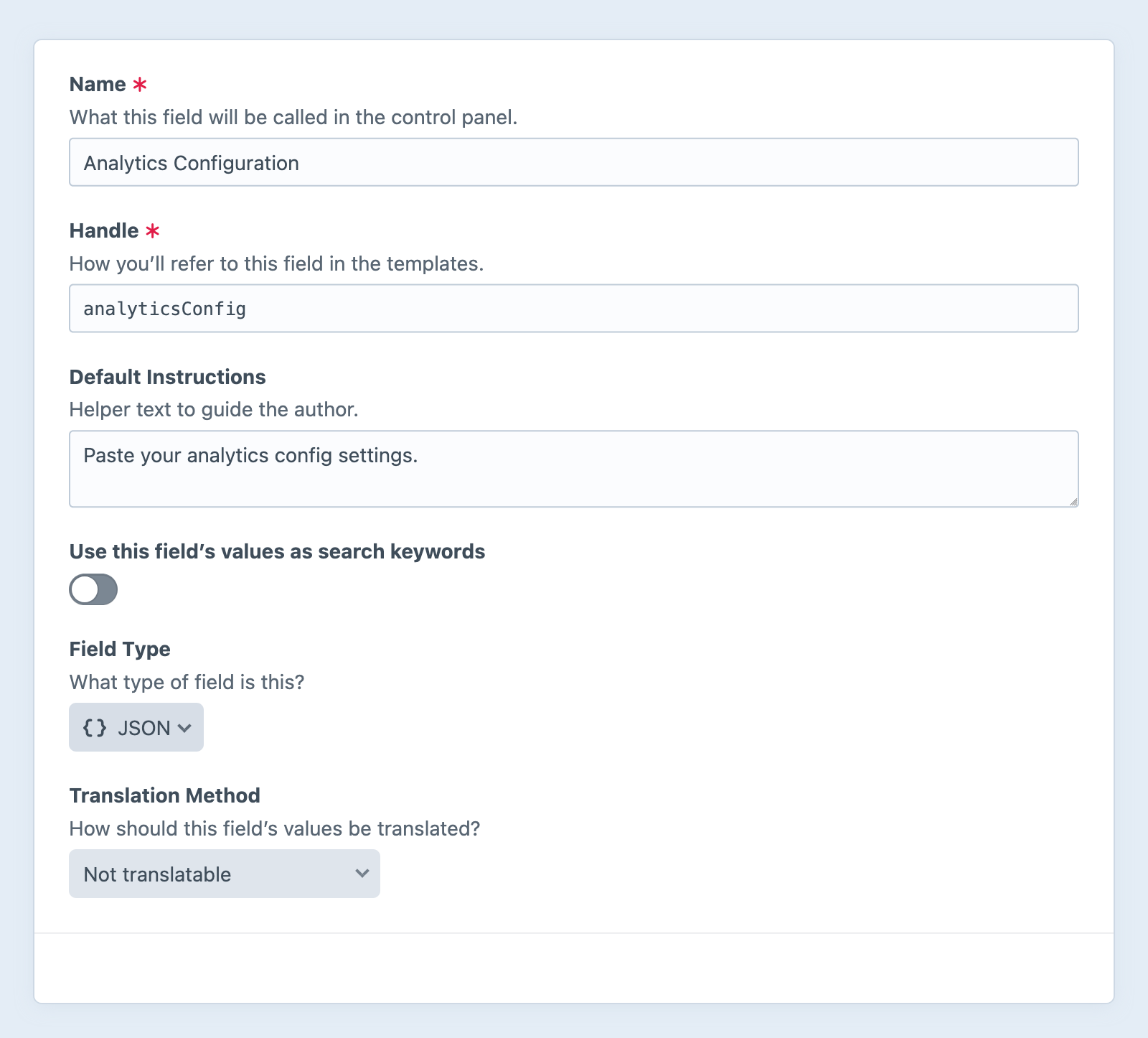
JSON fields have no custom settings.
#Development
The JSON field returns an instance of craft\fields\data\JsonData (opens new window), which has a handful of helpful features for interacting with the deserialized data.
Directly outputting the field’s value serializes it back to a JSON string:
{{ entry.myJsonField }}
{"appId":"3beb8a4e-de95-448b-be44-ee19ab8cbe5e","environment":"production"}
To pretty-print the JSON, you must explicitly call the .getJson() method:
<pre>{{ entry.myJsonField.getJson(true) }}</pre>
<pre>{
  "appId": "3beb8a4e-de95-448b-be44-ee19ab8cbe5e",
  "environment": "production"
}</pre>
<pre> tags are necessary to retain formatting, in the browser. Similarly, the <code> tag can be used for inline values.
The second argument allows you to customize the indentation:
{# Use tabs instead of the default (two spaces): #}
<pre>{{ entry.myJsonField.getJson(true, '\t') }}</pre>
#Data Types
The data type of the JSON’s root element can be a boolean, integer, float, string, or array.
<div class="json {{ data.getType() }}">{{ data }}</div>
The scalar test makes it possible to quickly differentiate simple values from arrays and hashes:
{% if data.getValue() is scalar %}
  {# Output directly: #}
  {{ data }}
{% else %}
  {# This might be more complex, so we’ll print it as nicely as possible: #}
  <pre>{{ data.getJson(true) }}</pre>
{% endif %}
Note that we’re directly testing against the field’s underlying deserialized value, not the JsonData object that wraps it.
The latter will always be non-scalar!
If you plan to use the root JSON field value as a specific type, you may want to take additional steps to resolve a usable value. Take this example, where we’re directly configuring a JavaScript-based animation, but constrain simple “duration” values:
{% set config = section.animationConfig %}

{# Constrain numeric, “duration-only” values: #}
{% if section.animationConfig.getType() in ['integer', 'float'] %}
  {% set config = max(min(section.animationConfig, 1000), 100) %}
{% endif %}

{# Output the resolved value in a script: #}
<script>
  new FadeAnimation("animated-{{ section.id }}", {{ config }});
</script>
#Nested Keys
If you know the structure of a JSON value, you can access nested keys directly from the field:
{{ entry.myJsonField.appId }}
The field ensures values are valid JSON, but does not enforce any kind of schema. You should always handle input cautiously, to avoid runtime errors:
{{ entry.myJsonField.appId ?? null }}
#Objects + Arrays
JSON “objects” and “arrays” are deserialized into PHP arrays (associative and sequential, respectively), and the root JsonData object provides a means of iterating over them, directly:
<table>
  <thead>
    <tr>
      <th>Key</th>
      <th>Value</th>
    </tr>
  </thead>
  <tbody>
    {% for key, val in entry.myJsonField %}
        <tr>
          <td>{{ key }}</td>
          <td>
            {# Make sure the value is printable: #}
            <pre>{{ val is scalar ? val : val|json_encode }}</pre>
          </td>
        </tr>
    {% endfor %}
  </tbody>
</table>
Once you have traversed into a data structure, you must explicitly serialize nested objects for output—Craft doesn’t recursively wrap that data with instances of JsonData, which provides the magic __toString() method.
This also means that .getType() and other helper methods are not available on nested values.
Craft provides a number of Twig tests for checking value types.
#GraphQL
JSON fields are treated like plain strings, when queried via GraphQL. Values must be deserialized in the client or app:
const gql = `
query MyQuery {
  globalSet(handle: "siteOptions") {
    ... on siteOptions_GlobalSet {
      analyticsConfig
    }
  }
}
`;

fetch('/api', {
  body: gql,
  method: 'POST',
  headers: {
    'Content-Type': 'application/graphql',
    'X-Craft-Gql-Schema': '*',
  },
})
  // Unpack the text response:
  .then(response => response.json())
  // Deserialize the JSON field’s data:
  .then(json => JSON.parse(json.data.globalSet.analyticsConfig))
  // Use the returned object:
  .then(config => new AcmeAnalytics(config));